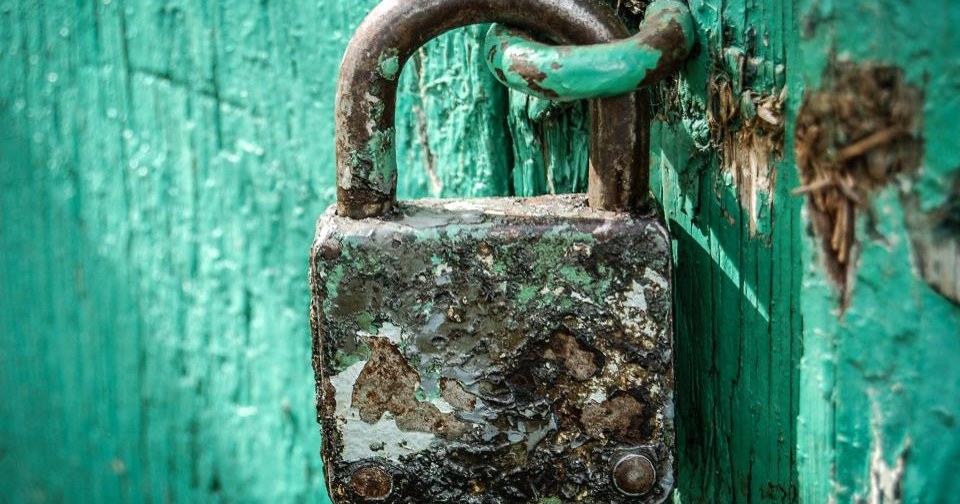
Online shopping accounts often hold your name, address, order history and saved payment details. That makes them worth protecting. Two-step verification is one of the simplest ways to keep your account safe, even if someone learns your password.
What Two-Step Verification Means
Two-step verification, sometimes called two-factor authentication, adds a second check after you enter your password. The first step is something you know, like a password. The second step is something you have, like your phone, or something you are, like your fingerprint.
Think of it like a door with two locks. A thief may find one key, but they still cannot get in without the other. Even if your password leaks in a data breach or is guessed, the second step stops the person from signing in as you.
The idea is simple, but it makes a real difference. Most account takeovers begin with a stolen or reused password. A second step breaks that chain.
Why Shopping Accounts Need Extra Protection
It is easy to think a shopping account is not very important. After all, you are only buying everyday items. But a hijacked account can cause real trouble.
- A stranger could place orders and send them to a different address.
- Saved payment methods could be used without your knowledge.
- Your personal details, such as your phone number and home address, could be viewed.
- Your email address could be changed, which locks you out of your own account.
Cleaning up after this kind of problem takes time and stress. A few minutes of setup can help you avoid it.
Common Types of Second Steps
Not every second step works the same way. Here are the most common options you will see, from simple to strong.
- Text message codes. The store sends a short code to your phone number. You type it in to finish signing in. This is easy to use and better than having no second step at all.
- Email codes. A code is sent to your email address. This is convenient, but it is only as safe as your email account, so protect that account well too.
- Authenticator apps. An app on your phone creates a fresh code every few seconds. These codes do not travel over the phone network, so they are harder to intercept.
- Approval prompts. You get a message on a trusted device asking you to approve or deny the sign-in.
- Passkeys and security keys. These use your device, fingerprint, face or a small physical key instead of typing a code. They are among the strongest options and are hard for scammers to fake.
If you can choose, an authenticator app or a passkey is usually stronger than a text message. Still, any second step is better than none.
How to Turn It On
The exact steps differ from site to site, but the path is usually similar. Follow this general process for your shopping accounts.
- Sign in to your account and open the settings or profile area.
- Look for a section named Security, Login, Account Protection or something similar.
- Find the option for two-step verification, two-factor authentication or passkeys.
- Choose the method you prefer and follow the on-screen instructions.
- Save any backup codes the site gives you.
- Sign out and sign back in once to confirm it works as expected.
Start with the accounts that matter most. These are the ones with saved payment details, your email account and any account tied to your phone number. Then work through the rest when you have time.
Keep Your Backup Options Safe
A second step only helps if you can still get into your account when you need to. Many people forget this part until they lose their phone.
When you set up two-step verification, you are often given backup codes. These are one-time codes you can use if your phone is lost, broken or out of reach. Treat them like spare keys.
- Store them in a safe place, such as a locked drawer or a trusted password manager.
- Do not keep them in an unprotected note on your phone or in an email to yourself.
- Keep your phone number and email address up to date in your account settings.
- Know how the account recovery process works before you have an emergency.
It also helps to add a second trusted device or method if the site allows it. That way one lost phone does not lock you out for good.
Stay Alert to Scams That Target Codes
Scammers know that many people use codes now, so they try to trick you into sharing them. A real store will not ask you to read your code out loud to someone who contacts you.
Watch for these warning signs:
- A message or call that says your account has a problem and asks for the code you just received.
- A code arriving when you did not try to sign in. This may mean someone has your password, so change it right away.
- Approval prompts that keep appearing. Never approve one you did not start.
- Links in texts or emails that lead to a sign-in page that looks slightly off.
As a rule, only type your codes on the official site or app that you opened yourself. If you are unsure, close the message and go to the store directly instead of using a link.
Build Good Habits Around It
Two-step verification works best alongside a few other simple habits. None of them take long, and together they make your accounts much harder to break into.
- Use a different, long password for each shopping account.
- Consider a password manager to help you remember them.
- Keep your phone and apps updated.
- Avoid signing in to shopping accounts on shared computers or public Wi-Fi.
- Check your order history and saved addresses now and then for anything unfamiliar.
- Turn on sign-in alerts if the site offers them.
Conclusion
Two-step verification takes only a few minutes to set up, yet it adds a strong layer of protection to accounts that store your personal and payment details. Choose the strongest method available, keep your backup codes safe and never share a code with anyone who contacts you first.
Start today with the one or two accounts you use most. Once you see how simple it is, adding it to the rest becomes easy, and you can shop online with more confidence.
This article is for general educational purposes only and is not financial, legal or professional advice.